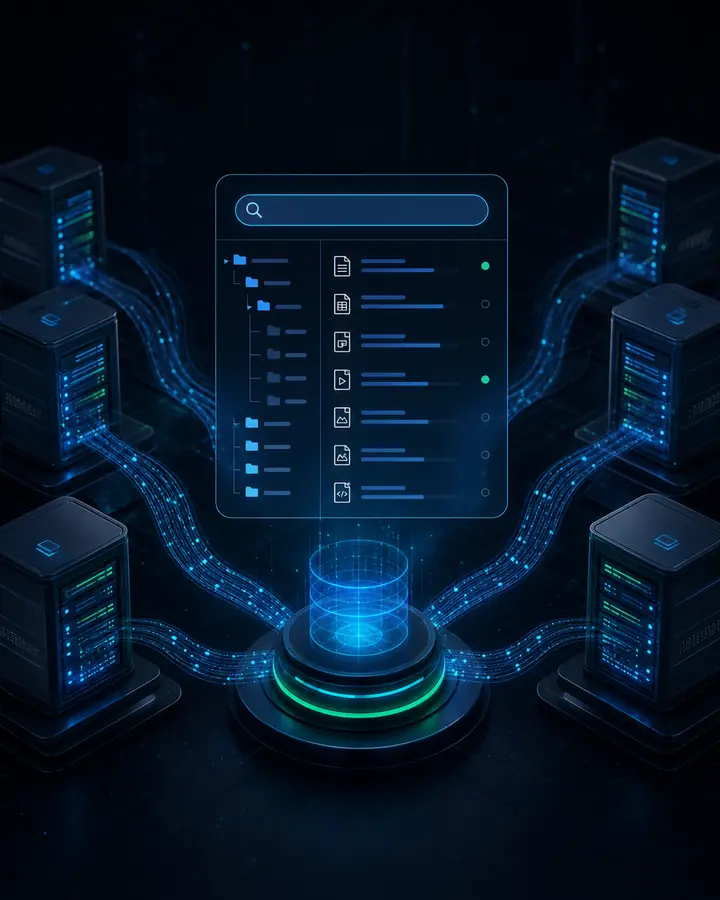
Estate-Wide File Search
Search across all indexed servers from one catalog, then filter by path, name, extension, size and recovery point.
Learn MoreSearch files across indexed servers, inspect version timelines, browse Active Directory objects and recover SQL data from the recovery point.
Sendense turns protected workloads into a searchable recovery catalog. Operators can find the precise file, directory object, database, table or point in time before committing to a restore workflow.
File
Cross-Server Search
AD
Objects and Relationships
SQL
Database and Table Recovery
Timeline
Per-File Versions
Indexed Recovery Showcase
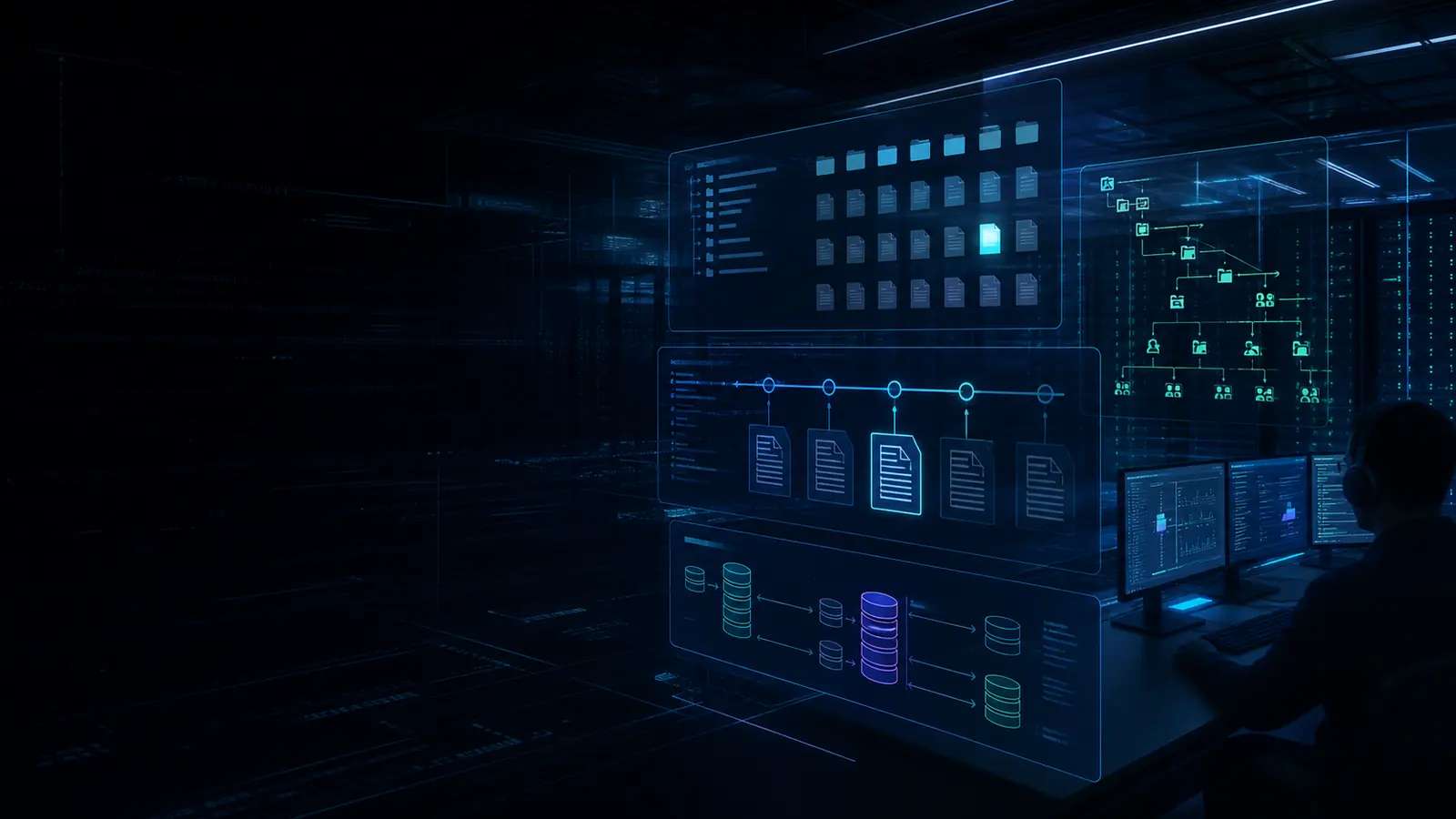
File search, version history, Active Directory browse and SQL recovery share the same idea: make protected data searchable before a restore becomes urgent.
Search across all indexed servers from one catalog, then filter by path, name, extension, size and recovery point.
Learn MoreSendense records a version timeline for indexed files so teams can recover the right copy, not just the newest one.
Learn MoreIndex NTDS data, browse users, groups, computers and OUs, and understand relationships before a directory recovery action.
Learn MoreDiscover SQL instances, browse databases and tables, then restore databases, run PIT recovery or export selected table data.
Learn MoreTraditional recovery starts by choosing a VM and hoping the right item is inside. Sendense starts with a catalog, so recovery teams can search protected data first and restore with far more precision.
Search indexed file metadata across protected servers.
Review file versions and recovery-point history.
Restore, download, export or import only the selected data.
Granular Recovery Paths
Each workload has its own recovery mechanics, but the operator experience should be consistent: index it, find it, choose the right point, and recover the smallest useful unit.
Sendense builds a searchable file catalog across protected servers, so operators can search by filename, path, extension, size and recovery point without mounting each VM manually.
Search every indexed file server from one interface
Filter by server, path, file type and backup time
Download or recover the selected file version
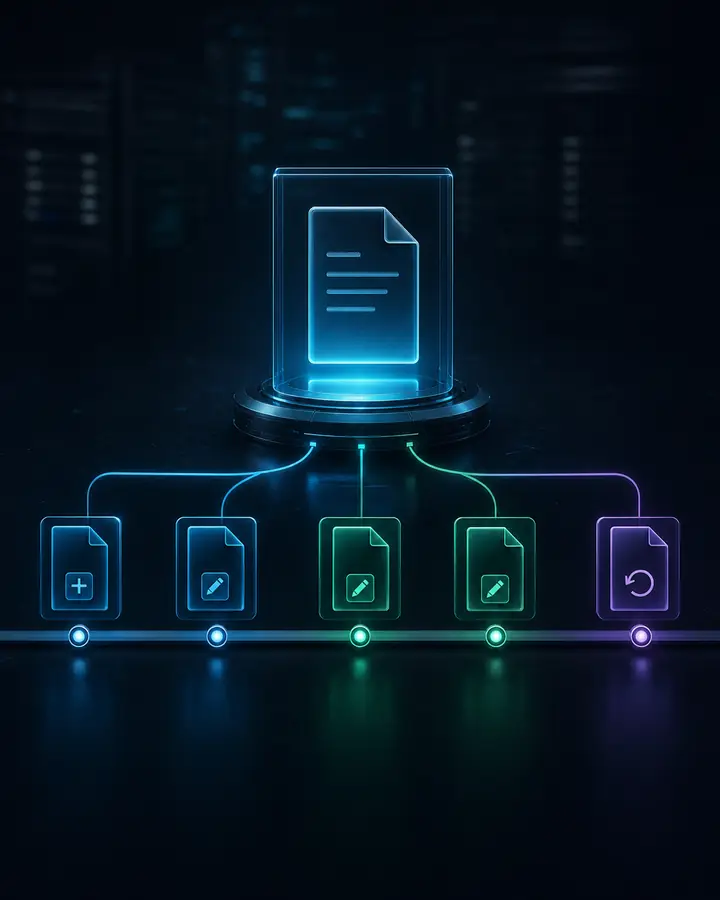
For indexed files, Sendense records a version timeline so teams can see how a file changed across recovery points and choose the exact copy they need.
View each indexed version against backup time
Spot overwritten or deleted files quickly
Recover the right version instead of the latest copy
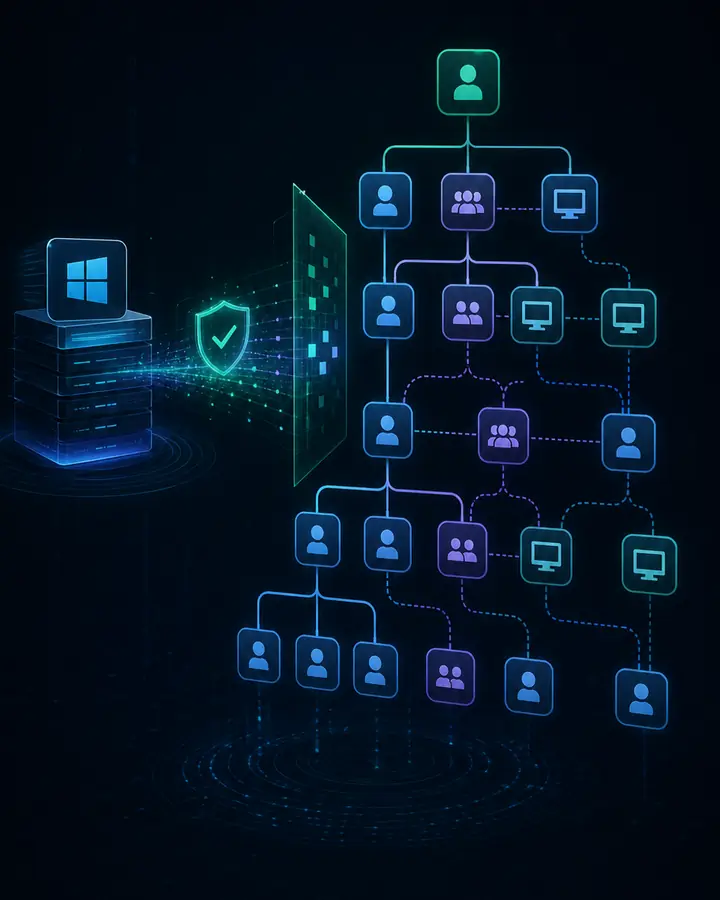
Sendense indexes NTDS data and recovered directory logs so teams can browse users, groups, computers, OUs and relationships before a controlled recovery action.
Inspect users, groups, computers and OUs
Understand membership and relationship context
Prepare precise directory recovery actions
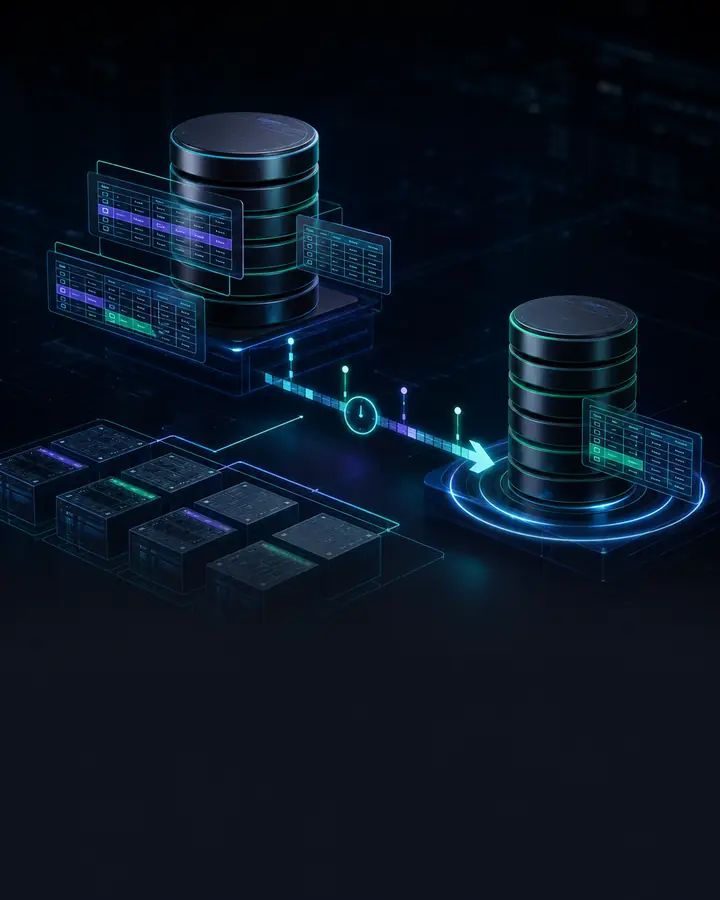
Sendense detects SQL instances, indexes database structure and supports database restore, point-in-time recovery, table browse, table export and targeted import workflows.
Browse instances, databases and table structure
Restore databases or run point-in-time recovery
Export or import selected table data when required
Recovery Workflow
Sendense keeps the workflow practical: classify the workload, index the right metadata, then recover from the catalog instead of forcing every request through a full VM restore.
Mark protected workloads for file, Active Directory or SQL indexing based on the recovery requirement.
Complete the backup and keep the recovery point attached to Sendense metadata and policy.
Run the relevant indexer for file metadata, NTDS directory content or SQL instance and database structure.
Publish searchable metadata into the recovery catalog so operators can find the item before mounting a full VM.
Choose the server, recovery point, file version, directory object, database, table or point in time.
Download, export, restore or prepare the targeted recovery action without rebuilding the whole workload first.
Catalog Architecture
The useful part is not only that Sendense can open a backup. It is that backup metadata can become a searchable recovery surface for file servers, directory services and SQL workloads.
File Servers
MFT scans, USN deltas, paths, sizes, hashes, versions
Cross-server search and exact file version recovery
Active Directory
NTDS objects, ESE log recovery, users, groups, OUs, relationships
Directory browse, context and controlled object recovery planning
SQL
Instances, databases, tables, backup chain and point-in-time metadata
Database restore, PIT recovery, table browse, export and import
Recover only the data the operator selected.
Full VM restore stays available when that is the right job.
FAQ
Yes. The file index is designed for estate-wide search across indexed servers, so teams can find a file by name, path, extension, size or recovery point without opening each backup one at a time.
Yes. Indexed files can carry a version timeline across recovery points, helping operators choose the specific copy to download or recover when a file has changed, been overwritten or been deleted.
Sendense can index Active Directory database content, including users, groups, computers, OUs and relationship context, so recovery teams can inspect directory state before taking a controlled action.
Sendense covers SQL instance and database browse, database restore, point-in-time recovery, table browse, table export and selected table import workflows.
No for the supported item-level workflows. The goal is to search or browse indexed metadata first, select the exact item or version, and then recover only what the workflow requires.
Talk to Sendense about indexing strategy for file servers, Active Directory and SQL, including where item-level recovery should replace full workload restores.